
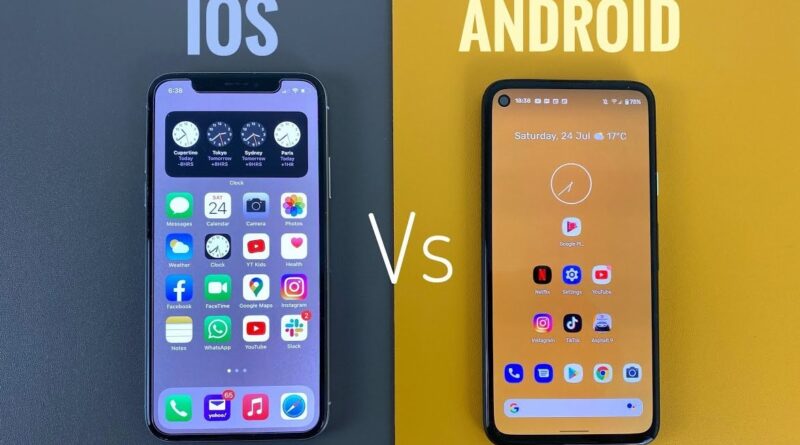
Android vs iOS Security: Which Phone Actually Keeps You Safer in 2026?
Introduction
You’re about to buy a new phone — or maybe you just want to know if your current one is safe enough for banking, shopping, and storing personal photos.
The question almost everyone asks at some point: Is iPhone more secure than Android?
It’s a fair question. And the honest answer? It’s not as simple as “one is better.” Both Android and iOS security have real strengths — and a few weak spots. This guide walks you through everything in plain English, so you can make smart choices about your phone without needing a tech degree.
Let’s get into it.
What Is Mobile Security and Why Does It Matter?
The Basics of Keeping Your Phone Safe
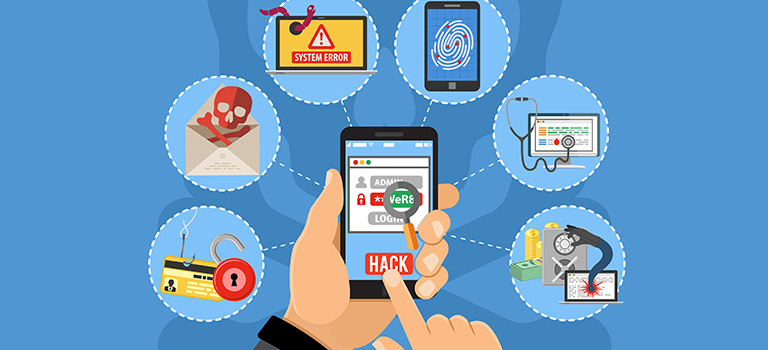
Mobile security is everything that protects the data on your phone — your messages, photos, bank details, passwords, and apps. It covers how your phone handles software updates, app permissions, login security, and how it responds to threats like malware or phishing.
Think of it like the locks and alarm system in your house. Some houses have better doors. Some have smarter alarms. Your phone works the same way.
Here’s what mobile security actually protects you from:
- Hackers trying to steal your personal data
- Malicious apps that spy on you or drain your wallet
- Phishing scams pretending to be your bank or email provider
- Data leaks when apps collect more info than they should
If you use your phone for mobile banking, online shopping, or work emails — and most of us do — mobile security isn’t optional. It’s essential.
iOS Security: How Apple Protects iPhone Users
Apple’s Closed Garden Approach
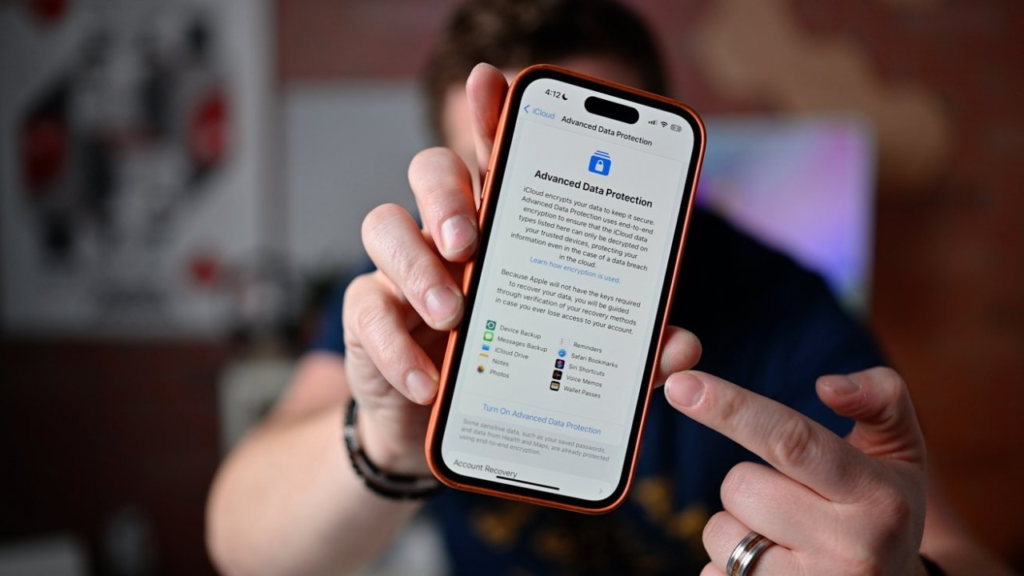
Apple iPhone iOS security is built on one big idea: control everything. Apple makes both the hardware and the software. That tight integration means fewer gaps for attackers to slip through.
Here’s what makes iOS security stand out:
App Store Review Process Every single app on the App Store goes through Apple’s review before it reaches your phone. This isn’t just a checkbox — Apple actively looks for malicious code, privacy violations, and suspicious behavior. It’s not perfect, but it filters out a huge chunk of dangerous apps.
Automatic Software Updates iOS updates roll out to all supported iPhones at the same time. When Apple finds a security flaw, the fix reaches your phone fast — often within days. This matters more than most people realize.
Sandboxing Each iOS app runs in its own “sandbox.” That means one app can’t peek into another app’s data without your permission. Your banking app can’t be accessed by a sketchy game you downloaded.
Face ID and Secure Enclave Apple’s Face ID doesn’t store your face on a regular server. It lives in something called the Secure Enclave — a separate chip that’s isolated from the rest of the phone. Even Apple can’t access it.
iOS App Security iOS app security also includes strict permission controls. Want to use your camera or location? The app has to ask — every time. And you can revoke those permissions any time from Settings.
Android Security: How Google Protects Android Users
Google’s Open Ecosystem with Strong Safeguards
Android security has come a long way. Google has invested heavily in protecting its users, and the results show.
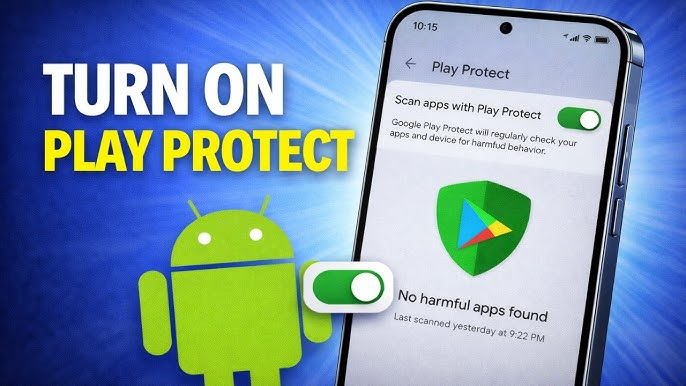
Google Play Protect This is Google’s built-in security scanner. It automatically scans apps on your phone — even ones you didn’t download from the Play Store. It checks over 100 billion apps every single day.
Regular Security Patches Google releases monthly security updates. The catch? Not every Android phone gets them at the same time. Samsung, OnePlus, and other manufacturers add their own software layers, which can slow down how fast updates reach your device.
Customization and Openness Android lets you install apps from outside the Play Store (called “sideloading”). This is great for power users — but it also creates a door that bad apps can walk through if you’re not careful.
Permission Controls Like iOS, modern Android gives you full control over app permissions. You can set apps to only access your location “while using the app” or deny microphone access entirely.
Android Fragmentation Here’s the honest challenge with Android security: there are thousands of different Android devices. Budget phones from lesser-known brands often get security updates slowly — or not at all. A flagship Samsung or Google Pixel is very different from a $50 phone you picked up at a discount store.
Android vs iOS: A Head-to-Head Security Comparison
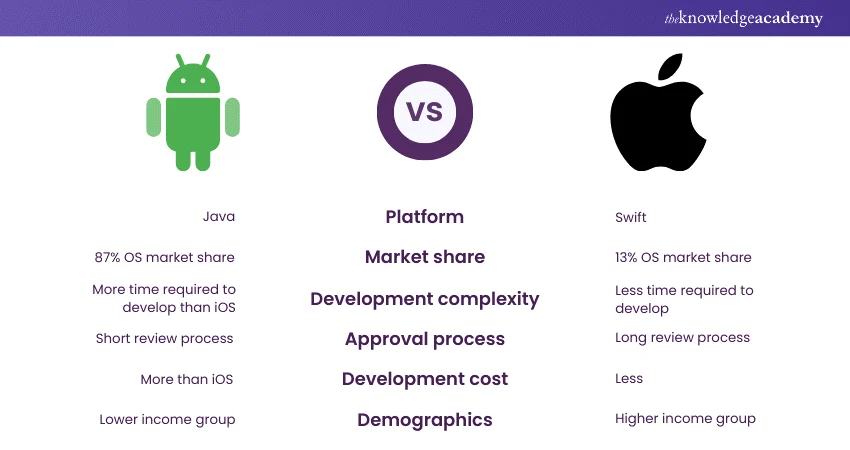
Where Each Platform Wins and Falls Short
| Security Feature | iOS (Apple) | Android (Google) |
|---|---|---|
| App Store Review | Strict, curated | Good, but more open |
| Software Updates | Fast, all devices at once | Varies by manufacturer |
| Sideloading Apps | Not allowed by default | Allowed (risk factor) |
| Encryption | On by default | On by default |
| Privacy Controls | Very strong | Strong (improving fast) |
| Device Fragmentation | None (Apple controls all) | High (many brands) |
| Malware Risk | Lower | Slightly higher (due to sideloading) |
So is iPhone more secure than Android? In most real-world situations, yes — mainly because of how consistently Apple controls updates and its app ecosystem. But a Google Pixel running the latest Android is extremely secure. And a neglected iPhone that hasn’t been updated in two years? Not so much.
Security is less about the brand and more about your habits.
Is Mobile Banking Secure on Your Phone?
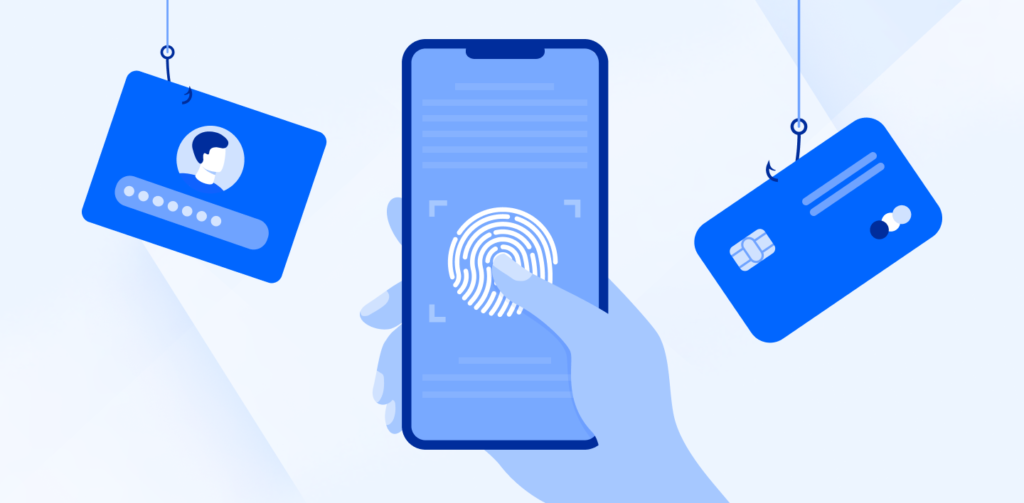
Can You Trust Your Phone for Banking?
The short answer: yes — if you’re using an official banking app and your phone is up to date.
Mobile banking is actually safer than many people think. Banks invest enormous resources into making their apps secure. Most use:
- Multi-factor authentication (MFA) — you need your password AND a code sent to your phone
- End-to-end encryption — your financial data travels in a scrambled format that can’t be read mid-transfer
- Biometric login — Face ID or fingerprint instead of easy-to-guess PINs
- Session timeouts — the app automatically logs you out after a few minutes of inactivity
Are banking apps safe on iPhone? Yes. iPhone banking is widely considered among the safest ways to manage your money. Apple’s Secure Enclave and strict app review make it very hard for a rogue app to interfere with your banking data.
Is mobile banking secure on Android? Also yes — as long as you’re using a reputable Android device, you’ve kept your software updated, and you only download the official banking app from the Play Store.
The real risks with mobile banking come from:
- Downloading a fake banking app (always go through your bank’s official website)
- Using public Wi-Fi without a VPN
- Ignoring security updates for months
Is Apple More Secure Than Android? The Real Answer
It Depends More Than You Think
Security experts generally agree: iOS has a slight edge in overall security for the average user. Here’s why:
- Consistency — Every iPhone gets the same iOS update at the same time. There’s no waiting on a manufacturer to push it.
- Controlled ecosystem — Apple’s closed App Store means fewer malicious apps make it through.
- Hardware integration — Apple designs both chip and software, which enables features like the Secure Enclave that are hard to replicate elsewhere.
But saying Android is “unsafe” is simply wrong. Google Pixel phones, for example, often receive security patches faster than some iPhones because they run stock Android without any manufacturer customization layer.
The security gap between iOS and Android has also narrowed significantly in recent years. Android 14 and 15 brought major improvements to privacy controls, app permissions, and system-level security.
Bottom line: Is Apple more secure than Android? Marginally — and mostly because Apple controls the entire update chain. But a well-maintained Android from a reputable brand is genuinely very secure.
Top Tips to Stay Safe on Any Phone
Simple Habits That Make a Big Difference
No matter which phone you have, these steps will protect you:
- Always install updates — Software updates often patch serious security holes. Don’t ignore them.
- Use a strong, unique passcode — Not “1234” or your birthday.
- Enable biometric login — Face ID or fingerprint is both convenient and secure.
- Only download apps from official stores — Google Play and App Store for Android and iOS respectively.
- Review app permissions regularly — Does your flashlight app really need access to your contacts?
- Use two-factor authentication (2FA) — Especially for your email, bank, and social media.
- Avoid public Wi-Fi for sensitive tasks — Or use a reputable VPN if you must.
- Enable remote wipe — If your phone is stolen, you can erase it remotely through Find My iPhone or Android’s Find My Device.
Featured Snippet Answer
What is the difference between Android and iOS security?
iOS security is generally considered slightly more consistent because Apple controls both the hardware and software, ensuring all iPhones receive security updates at the same time. Android security is strong on premium devices but can vary widely depending on the manufacturer and how quickly they push updates. Both platforms use encryption, app permission controls, and biometric authentication to protect users. For most people, maintaining good habits — updating software, using official apps, and enabling two-factor authentication — matters more than which platform they choose.
Conclusion
Both Android and iOS have come a long way in protecting users. The old idea that iPhones are bulletproof and Androids are full of viruses? That’s outdated.
The truth is:
- iOS is slightly more consistent thanks to Apple’s tight control over updates and its curated App Store.
- Android is highly secure on premium devices and has been closing the gap with iOS for years.
- Your habits matter most — an updated Android with good practices beats a neglected iPhone every time.
Whether you’re an Apple fan or an Android loyalist, the tools to stay safe are right there on your phone. Use them.
FAQ Schema — Android vs iOS Security
Q1: Is iPhone more secure than Android?
Generally, yes — iPhones tend to receive security updates faster and have a more tightly controlled app ecosystem. However, high-end Android devices like Google Pixel are also very secure. The difference for most users is small.
Q2: Is iOS safe for mobile banking?
Yes. iOS is considered one of the safest platforms for mobile banking. Apple’s Secure Enclave, App Store review process, and Face ID make it very difficult for attackers to access your banking information.
Q3: Are banking apps safe on iPhone?
Banking apps on iPhone go through Apple’s strict App Store review and benefit from iOS security features like sandboxing and biometric authentication. As long as you download the official app from your bank, it is very safe.
Q4: Is mobile banking secure on Android?
Yes, especially on reputable devices that receive regular security updates. Always download your bank’s official app from the Google Play Store and keep your phone updated.
Q5: What is the biggest security risk on Android?
The biggest risk on Android is sideloading apps — installing apps from outside the Google Play Store. These apps don’t go through the same security checks and can contain malware.